Depth maps from any photo relit live by your cursor.
Free: One relit image a day · no card
- Your files never leave your device
- Code for React, Framer, HTML
Three steps, all on your device.
- 01The depth map makes itself
Drop in a JPG, PNG or WebP. The depth map is worked out in your browser by the Depth Anything V2 Small model.
- 02Set the light
Set the light: a preset, then intensity, radius, softness, shadows, colour and what moves it.
- 03Put it on your site
Copy the code for your site, or download the image, the depth map or everything as a ZIP.
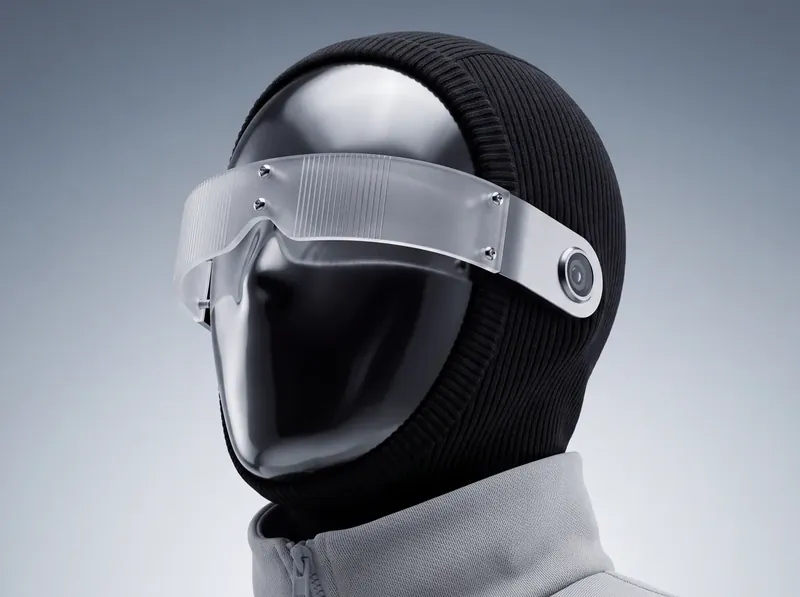 BeforeAfter · 4×Next · Image enhancerUpscale it firstRelighting loves detail: enhance the photo 4× before you light it.
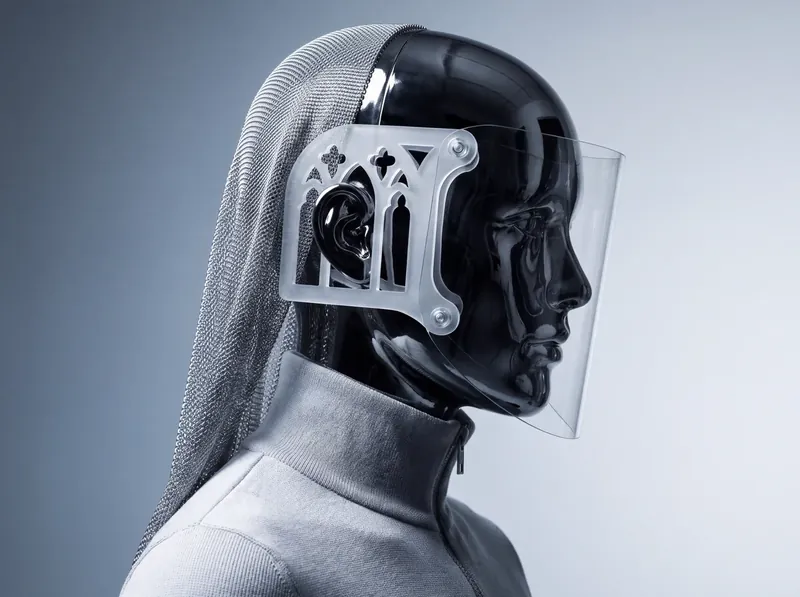
Made with it, in one click.
Put it on your site.
Export it from the studio, then follow the steps for where your site lives.
<ReLuma src="/photo.jpg" depth="/photo-depth.png" />- 01
Download the ZIP: the image, its depth map, reluma.js, React and Framer components and a README.
- 02
Put the image and the depth map into public/.
- 03
Copy ReLuma.tsx into src/components/.
- 04
Render <ReLuma />: the light follows the cursor.
prompt.txt- 01
Download the ZIP and add its files to your project.
- 02
Paste the prompt into Cursor, Lovable, Bolt, v0, Replit or Claude Code.
- 03
The assistant wires the relit image in.
Reluma.tsx · Framer code component- 01
Download the image and the depth map.
- 02
In Framer: Assets → Code → + → New component, name it Reluma, replace its code with this.
- 03
Drag Reluma onto the canvas and pick the image and the depth map. Your light is baked in.
Embed element- 01
Upload the image and the depth map to Webflow Assets.
- 02
Add an Embed element and paste the code with their URLs.
- 03
Publish: the light follows the cursor on the live site; where a browser can’t draw it, the plain image shows.
index.html- 01
Download the ZIP.
- 02
Upload the image, the depth map and reluma.js.
- 03
Paste the tag where the image should be.
Try it, then go unlimited.
Questions, answered.
What is a depth map?
A greyscale picture of how far each part of a photo is from the camera: near is light, far is dark. RELUMA uses it to decide where light falls and where shadows go.
Which model makes the depth map?
Depth Anything V2 Small, an open model released under the Apache 2.0 licence. It runs in your browser and downloads once.
Is my photo uploaded?
No. The depth map and the lighting are both worked out on your device.
Can I use the relit image on my website?
Yes. The export gives you code for React, AI builders, Framer, Webflow or HTML. Where a browser can't draw it, the plain image shows instead.
More tools, for the same page.
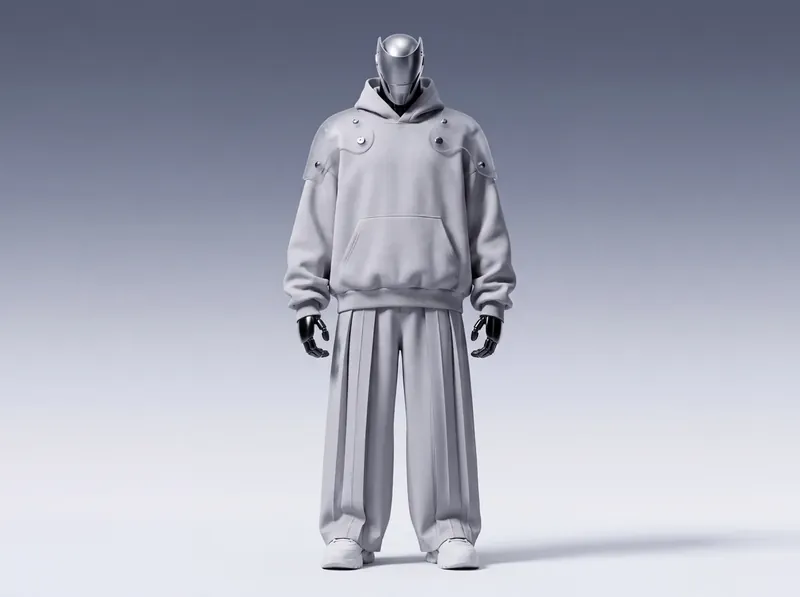 10 effects freeImage effectsGlass and print looks for any photo
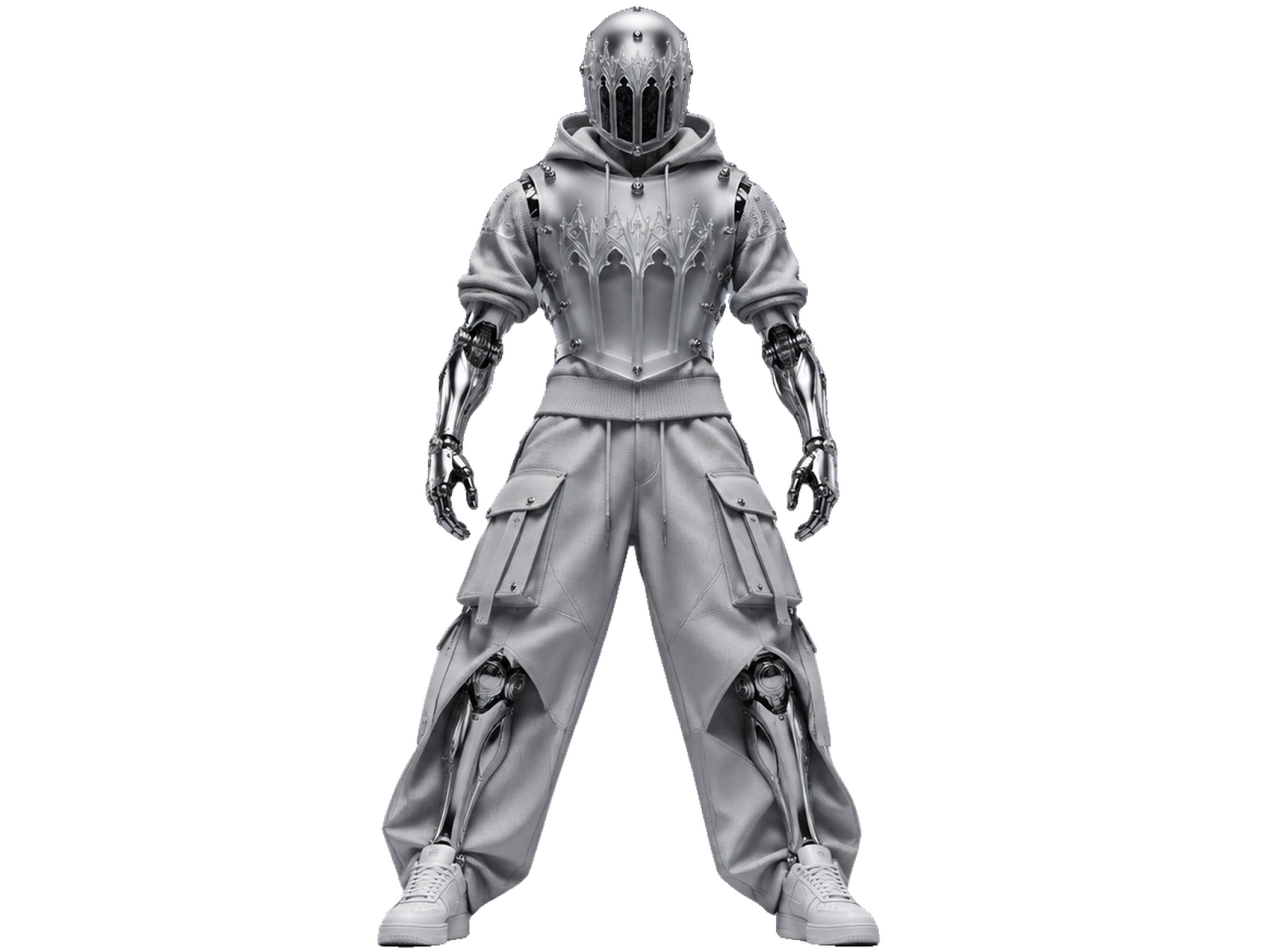
 Free at full sizeBackground removerCut out a product or a personImage and text freeASCII generatorPhotos and video as ASCII art12 effects freeText animationMake your headline move, as codePNG freeSVG to 3DTurn a flat logo into 3DFree to tryTimestackA clip that unfolds into 3D on hover