Glass effects for photos for your hero, ad or post.
Free: 10 of 28 effects, as an image · no card
- Your files never leave your device
- Image or code
Three steps, all on your device.
- 01Drop in a photo
Drop in a photo.
- 02Pick an effect
Pick an effect from five groups (glass, tiles, distort, light and print), then set its finish, motion, hover and frame.
- 03Export it, or copy the code
Export a PNG or JPG, copy the image, or copy the code that puts the live effect on your site.
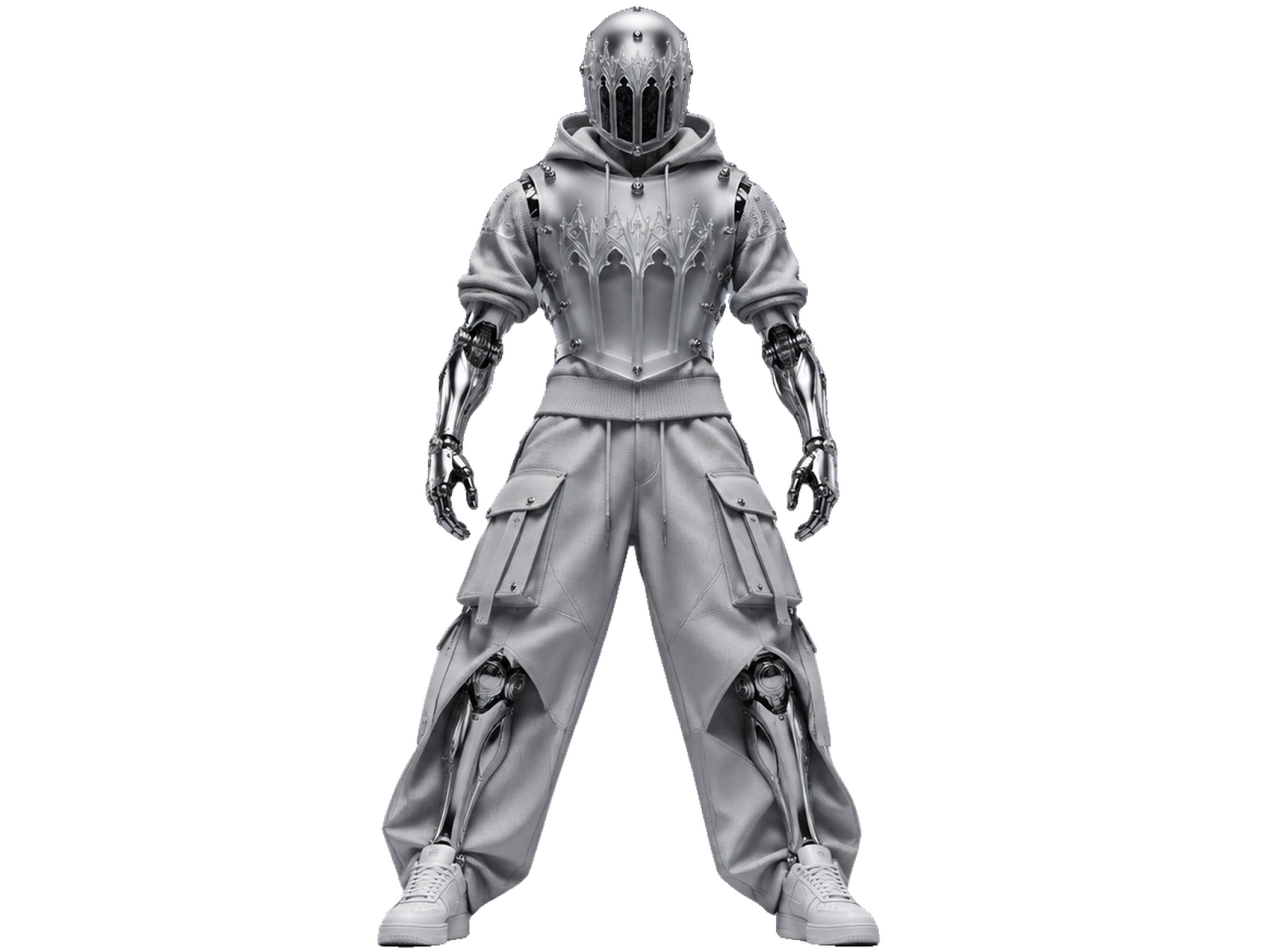
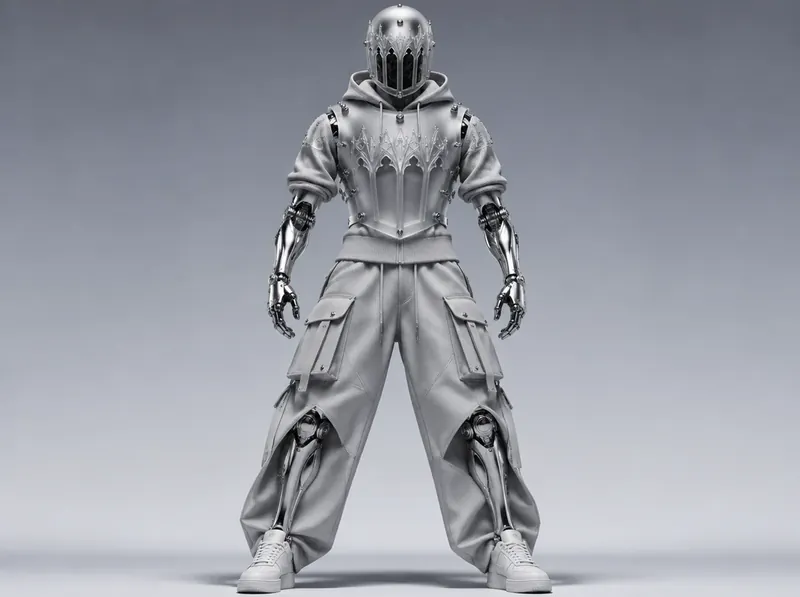 Next · Background removerCut it out firstGlass looks best on a subject without its background.
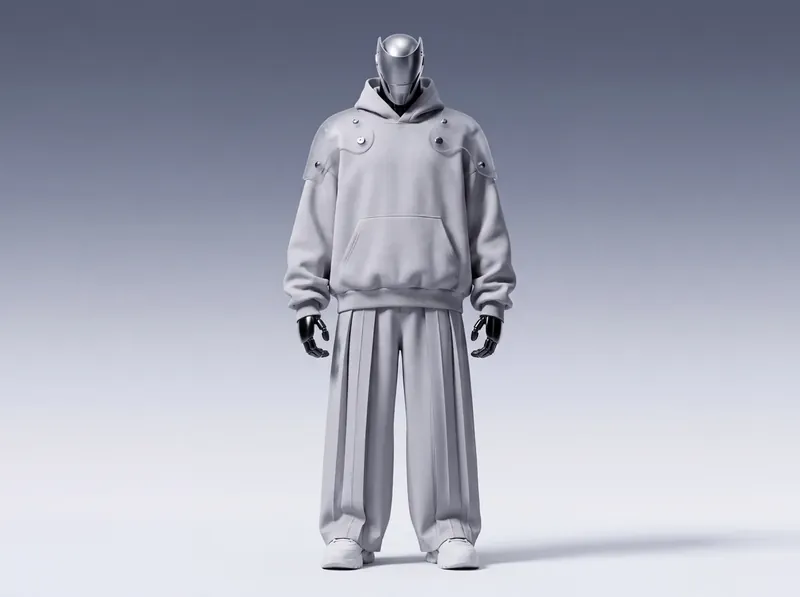
Made with it, in one click.
Put it on your site.
Export it from the studio, then follow the steps for where your site lives.
<GlassFx src="/photo.jpg" />- 01
Download the ZIP.
- 02
Put photo.jpg into public/.
- 03
Copy GlassFx.tsx into src/components/.
- 04
Render <GlassFx /> wherever the photo should be.
prompt.txt- 01
Download the ZIP and add its files to your project.
- 02
Paste the prompt into Cursor, Lovable, Bolt, v0, Replit or Claude Code.
- 03
The assistant wires the component in. It runs on the visitor’s GPU.
GlassFx.tsx · Framer code component- 01
Download the photo.
- 02
In Framer: Assets → Code → + → New component, name it GlassFx, replace its code with this.
- 03
Drag GlassFx onto the canvas and pick the photo in the right panel.
- 04
Your settings are already baked in.
Embed element- 01
Download the photo.
- 02
Upload it to Webflow Assets and copy its URL.
- 03
Add an Embed element, paste the code and replace PASTE_IMAGE_URL.
- 04
Publish: the effect works on the live site.
index.html- 01
Download the ZIP.
- 02
Upload the photo (and the engine script, if you host it yourself).
- 03
Paste the tag where it should be. One script serves any number of pictures.
Try it, then go unlimited.
Questions, answered.
Can I put the glass effect on my website?
Yes. The code export gives you a snippet for React and Next.js, Framer, AI builders or HTML. It loads the effect's engine and renders it live on your page.
Is the frosted glass effect free?
Frosted is one of the Pro effects. Fluted and Wavy ribs, the first two glass effects, are free.
Do I need Photoshop for a glass effect?
No. The effect is drawn in the browser, and you can export a finished image or keep it live on your site as code.
Is my photo uploaded?
No. The effects are rendered on your device with WebGL.
More tools, for the same page.
 BeforeAfter · 4×Free at 2×Image enhancerSharpen small or blurry images
 1 a day freeImage relightingRelight a photo, light follows the cursorImage and text freeASCII generatorPhotos and video as ASCII art12 effects freeText animationMake your headline move, as codePNG freeSVG to 3DTurn a flat logo into 3DFree to tryTimestackA clip that unfolds into 3D on hover